
01
Start with a link.
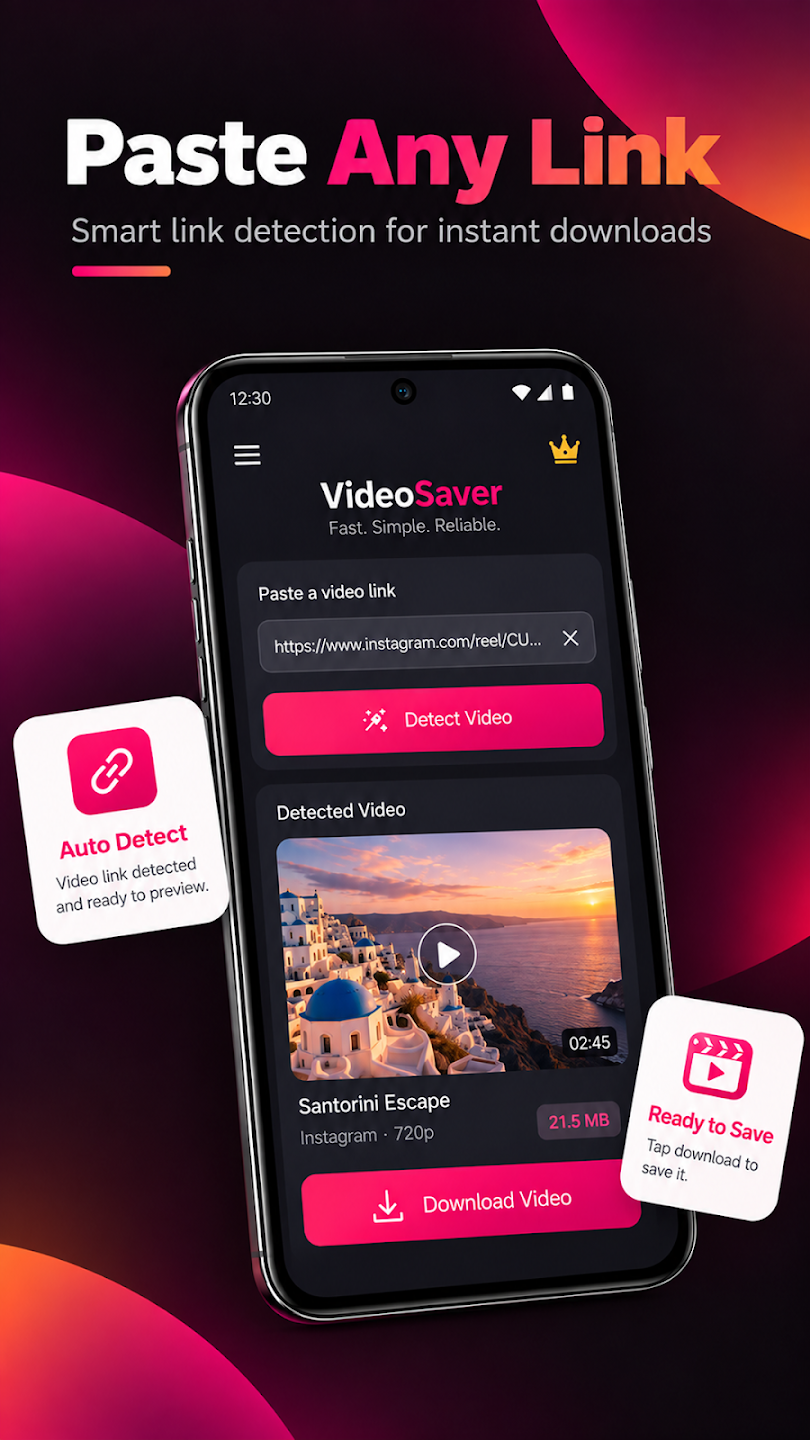
Add a supported video link and choose what to download when the source allows it.
VIDEO DOWNLOADSVIDEO DOWNLOADER + ANDROID LAUNCHER
Keep the videos you’re allowed to save. Bring your everyday apps within reach. Meet Video Hub, your video downloader and home screen in one place.
Android 9 and up Contains ads
From a supported link
to a video you can keep.
 YOUR NEXT REWATCH
01 / THE EVERYDAY ESSENTIALS
Save supported videos and find your apps.
Two parts of your day, brought together.
Add a supported video link and choose what to download when the source allows it.
VIDEO DOWNLOADSCheck download status. Where enabled, notifications keep you informed about download activity.
Access downloaded files in one place and open the videos you’ve saved on your device.
Browse the app drawer and open installed apps from your Video Hub home screen.
Use app search to find the installed app you want to open, right from your launcher.
Arrange home screen shortcuts for everyday access to the apps you use.
Meet your home screen02 / FROM LINK TO LIBRARY
A simple flow for videos you own
or have permission to save.
Choose a video you’re authorized to download, then add its supported link to Video Hub.
Start saving when the source permits it. Follow the download status in the app.
Access the downloaded file on your device, ready for later viewing.
Download availability depends on the source, content permissions, network connection, device storage, and supported media.
03 / YOUR HOME, YOUR CHOICE
Video Hub is also an Android launcher. Select it as your default Home app to use its home screen, app drawer, app search, and shortcuts.
You can switch back to your system launcher or another Home app at any time in Android Settings → Default apps → Home app. Menu names may vary by device.
04 / ON YOUR SCREEN
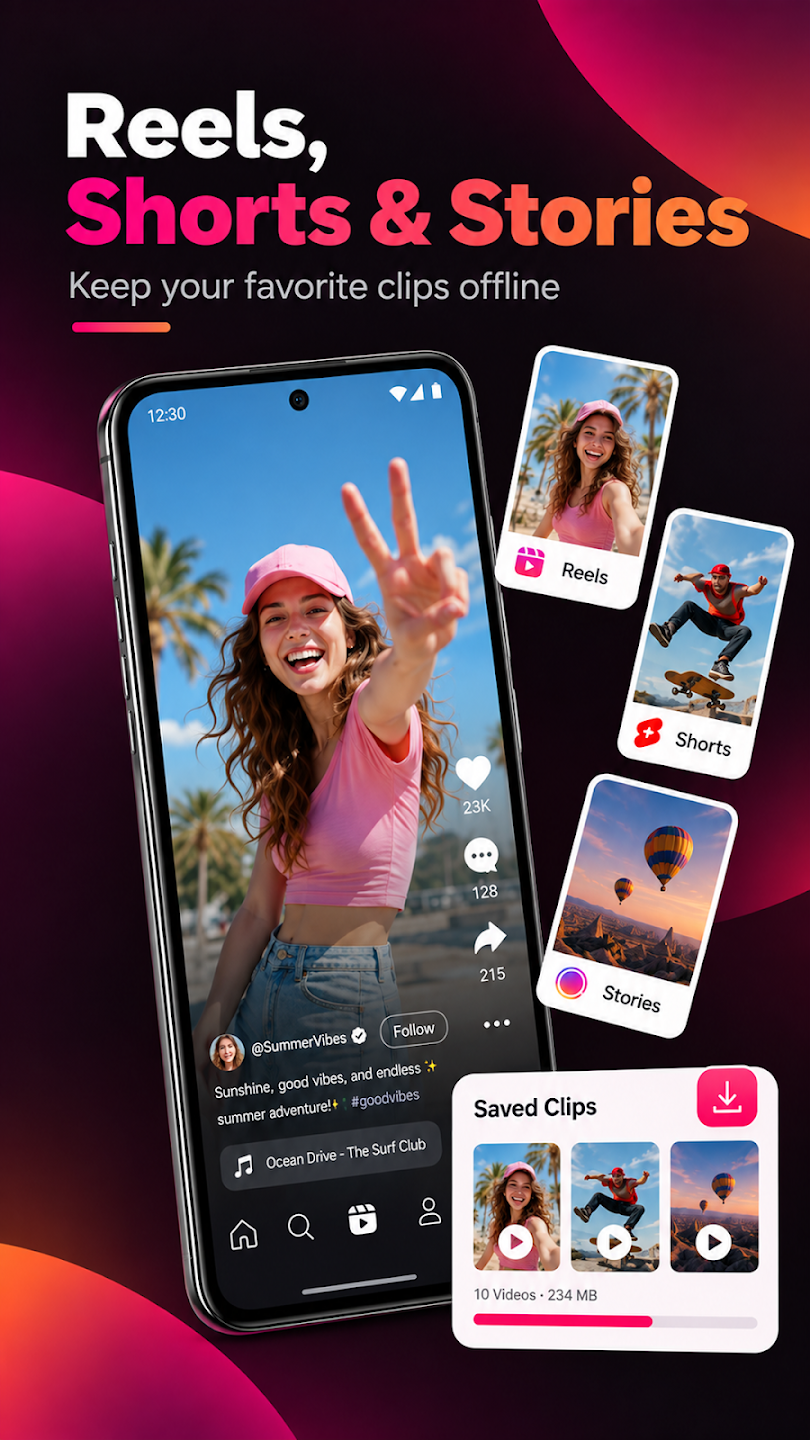
All five screenshots from Google Play.
Select an image to explore.
Google Play promotional artwork. Support and availability vary by source; not every website or video is supported.
05 / SAVE WITH PERMISSION
Download only videos you own or have the rights holder’s permission to save. Respect copyright and the source service’s terms.
Protected content and sources that prohibit downloads are not supported. Video Hub does not promise access to every website or video.
Installed-app information supports the app drawer, search, and launching apps. File access supports saving and opening downloads. Enabled notifications report download activity.
Video Hub contains ads. Read the developer’s privacy policy and the Google Play data safety details for more information.
MAKE YOURSELF AT HOME
Video downloads. Everyday apps. Video Hub.
For Android 9 and up · Contains ads